
CabineX Wholesale — cabinetry for builders, designers, and homes
Wholesale kitchen cabinetry.
415 cabinet SKUs across 12 product lines and 37 door finishes — wall, base, corner, sink base, tall, vanity, and accessory cabinets — at trade pricing, planned in a browser-based 3D planner and quoted in minutes.
What CabineX supplies
A full wholesale cabinet catalog, priced and planned in one place.
Sizes follow the North American standard: base cabinets 34.5″ high and 24″ deep (with a 32.5″ ADA run), wall cabinets 12″ deep in 12″ to 42″ heights hung 54″ off the floor, tall cabinets at 84″, 90″, and 96″, widths from 6″ to 48″ in 3″ increments. More answers in the FAQ or browse the product lines.
The character is in the details
Simple elements, brought together with a sense of ease.
Proportion
Storage should feel composed: generous where it needs to be, quiet where it does not.
Explore collectionsMaterial
Warmth, depth, and a little contrast give a room its own lasting atmosphere.
See the paletteRhythm
Repeated lines, thoughtful reveals, and considered details make utility feel intentional.
Plan your kitchen
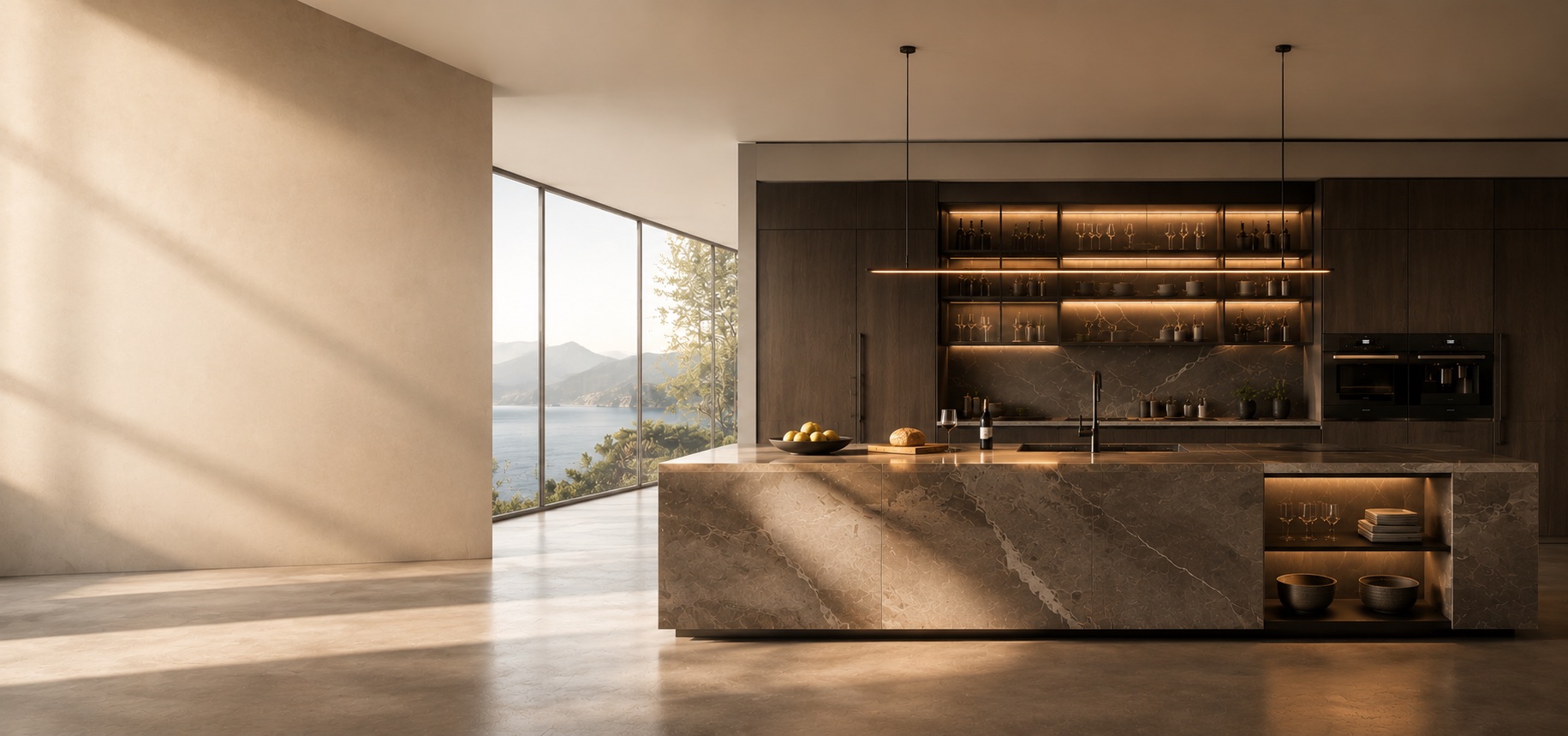
Made for the way rooms are lived in
A calm backdrop for gatherings, routines, and everything in between.
Kitchen cabinetry
Functional at its core, with the presence to anchor the rooms people return to most.
Explore kitchens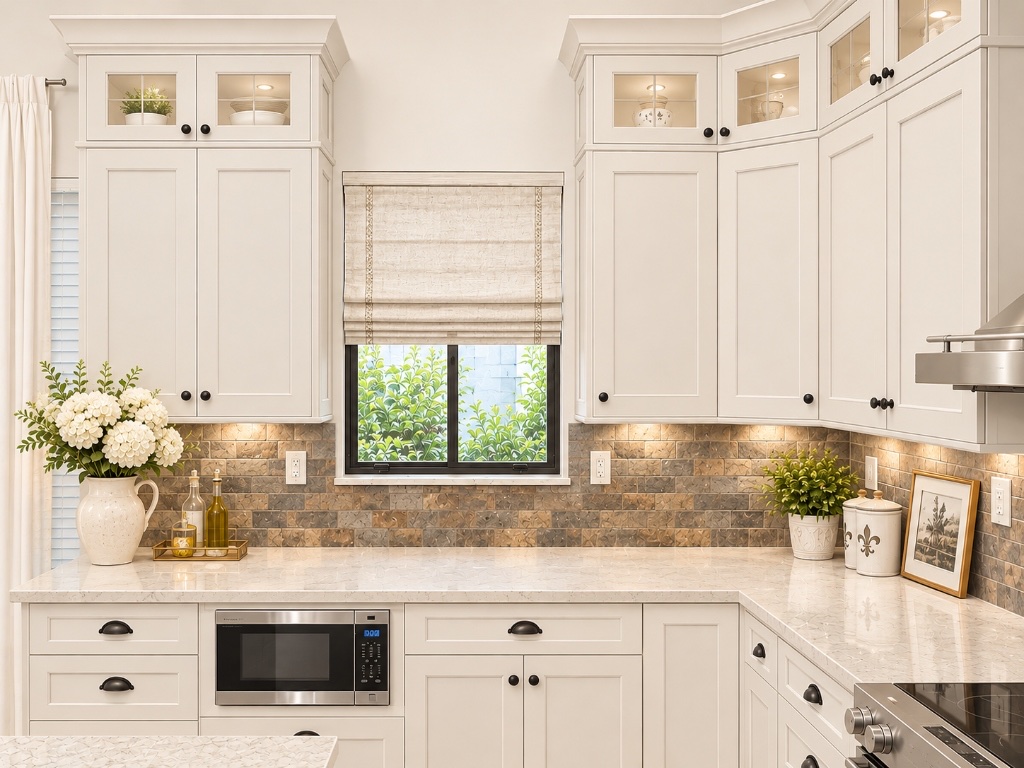
Storage & utility
Layers of order for the places that quietly carry the pace of the day.
See storage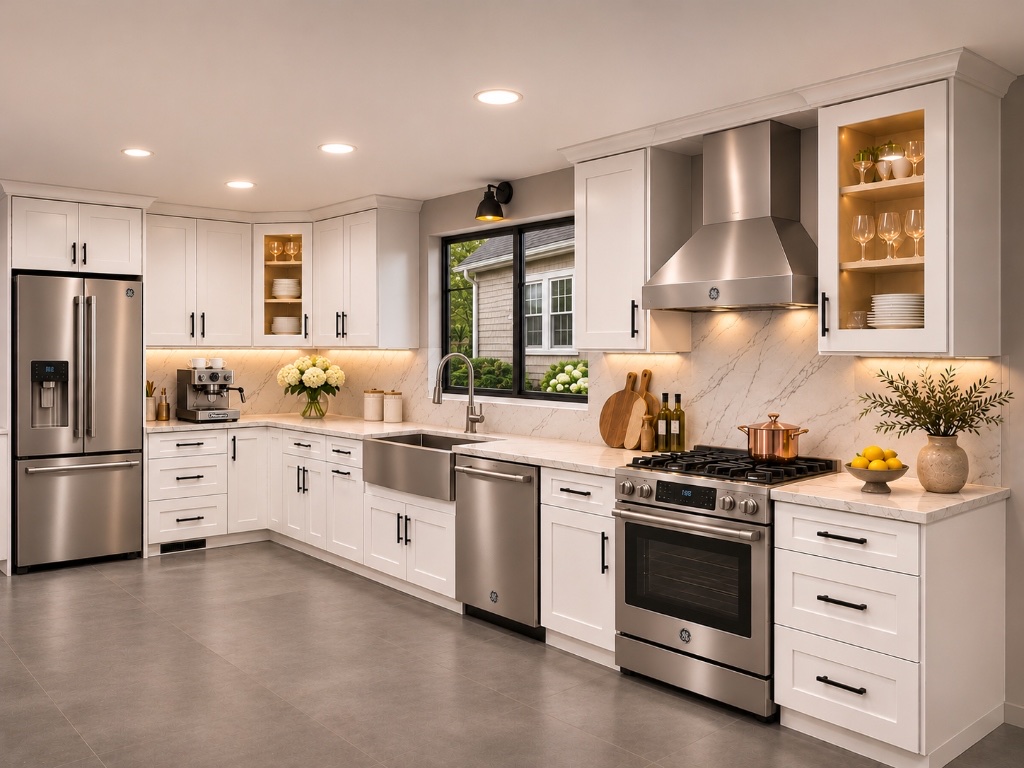
Architectural details
Finishing touches that make the cabinetry feel considered from edge to edge.
Discover details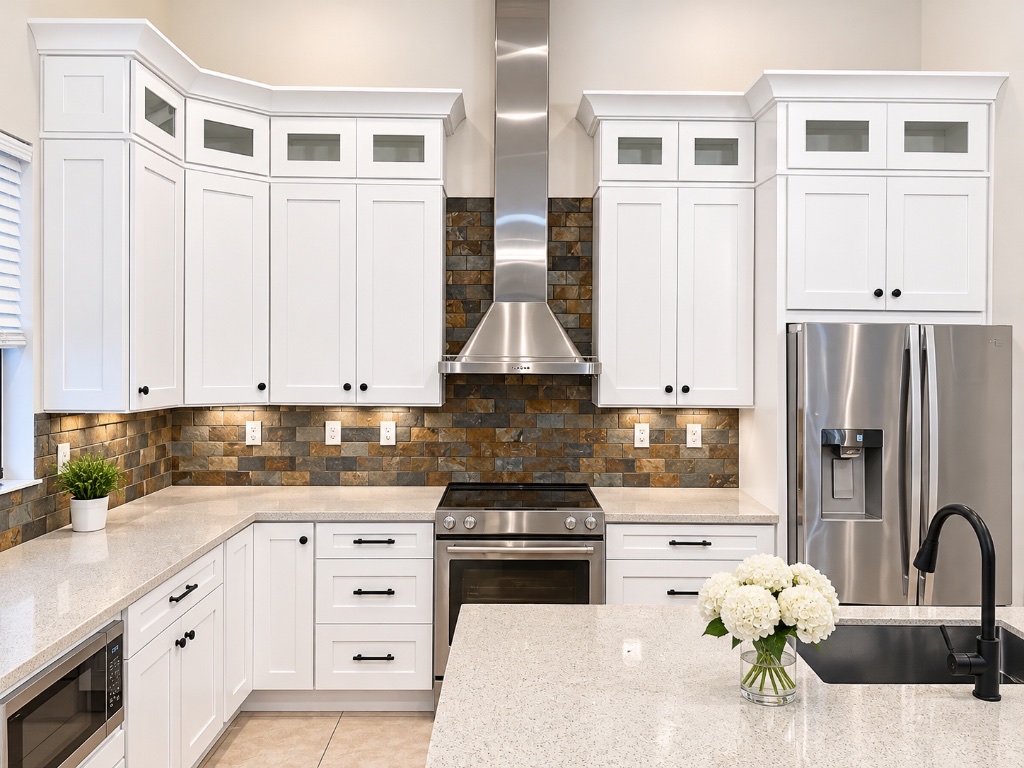
Designed to belong
Details that settle into the background—and stay there beautifully.
The best cabinetry feels at home in its setting. It supports the architecture, catches the changing light, and gives daily life a more graceful place to unfold.
- Balanced proportions and purposeful storage
- A palette with warmth, depth, and restraint
- Details that reward a closer look
Find your starting point
View Collections